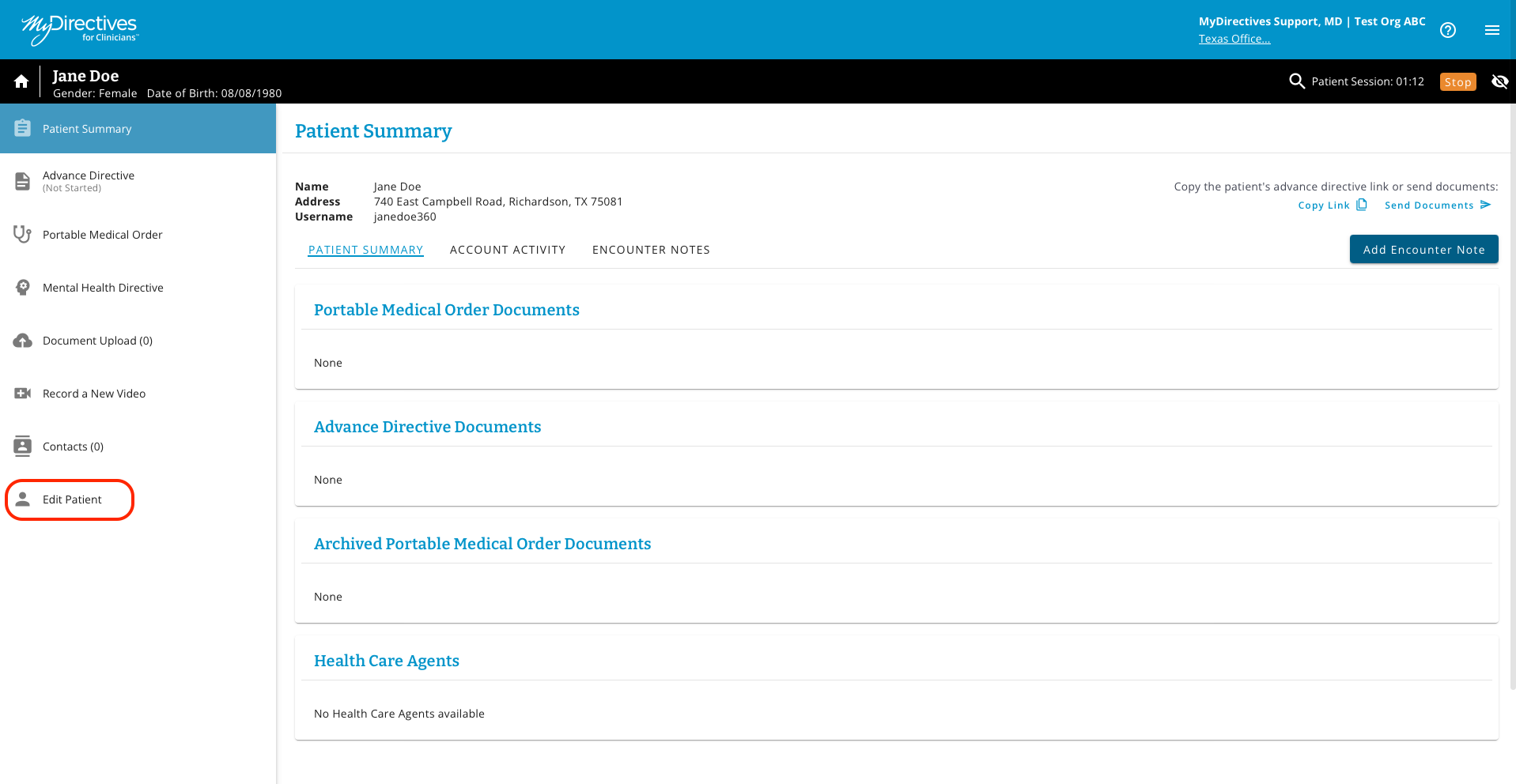
To update a patient’s account, click the Edit Patient tile in the left-hand navigation menu.
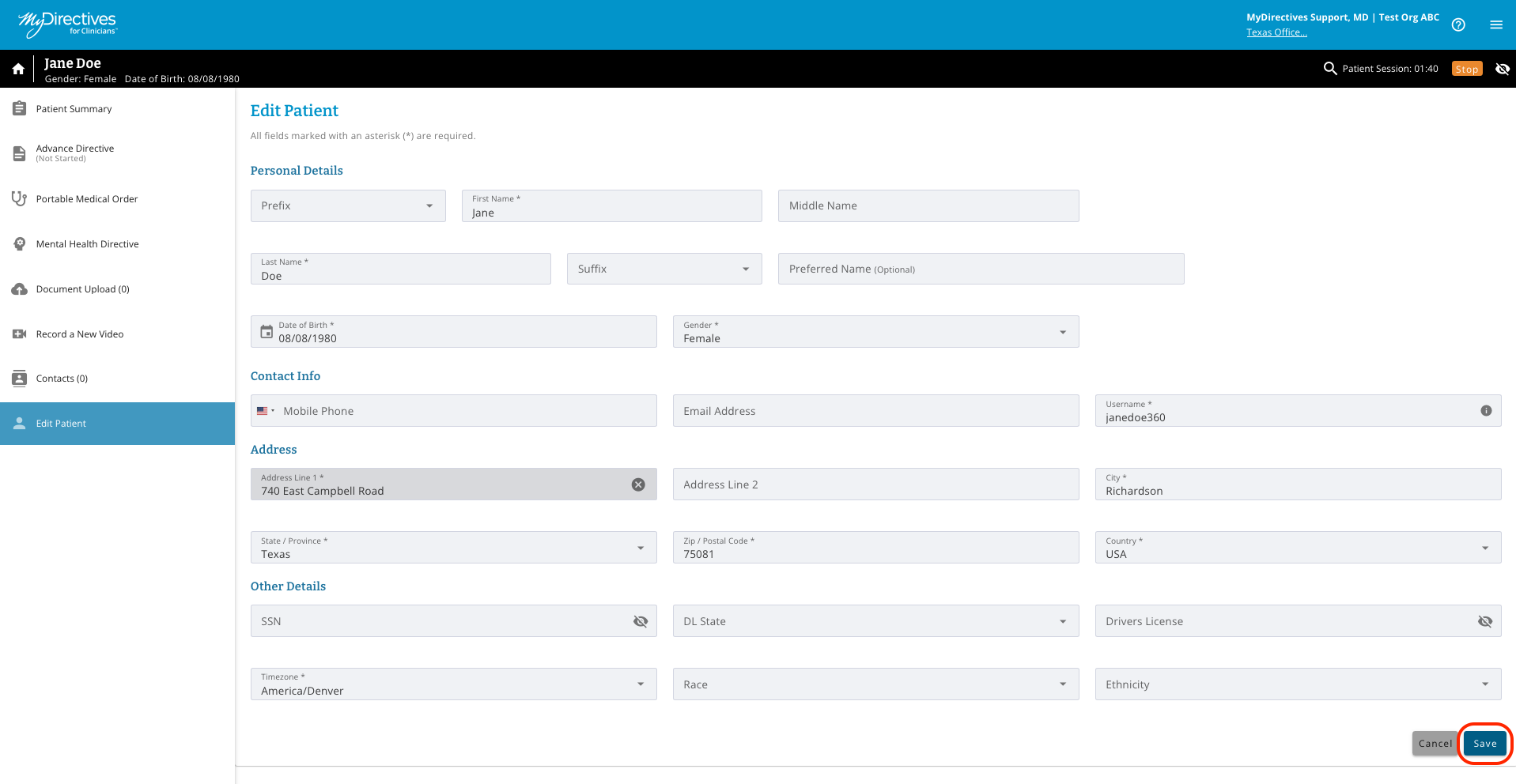
Once you have made all the necessary changes to your patient's account, click the blue Save button.

Modified on: Wed, Aug 19, 2026 at 12:03 PM
To update a patient’s account, click the Edit Patient tile in the left-hand navigation menu.
Once you have made all the necessary changes to your patient's account, click the blue Save button.
Did you find it helpful? Yes No
Send feedback