
Patients may present with new documents they wish to use, or want to remove documents that no longer align with their medical treatment preferences. You can easily delete these documents by following the below steps.
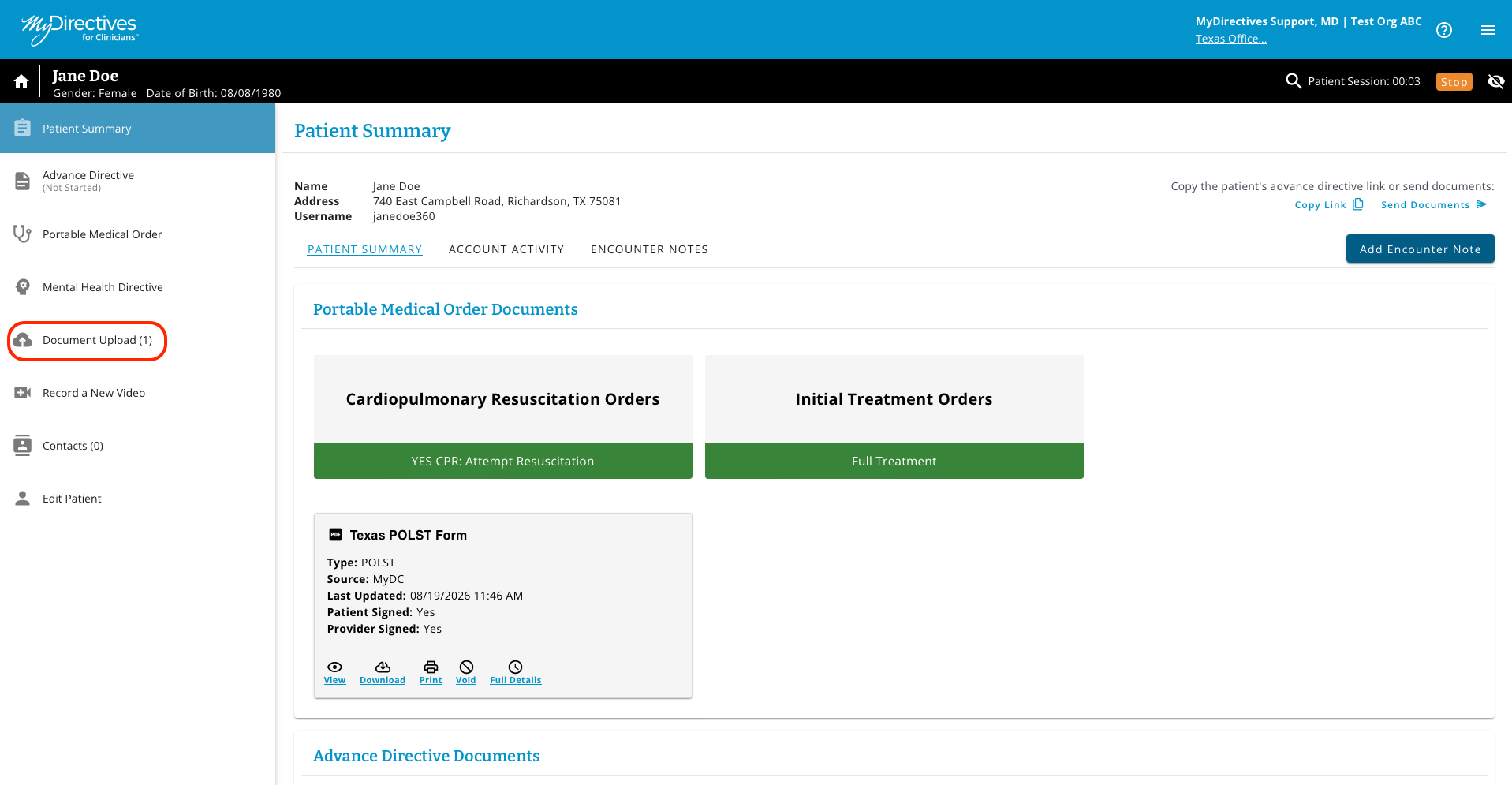
To see a list of the documents that have been uploaded into the patient's account, click the Document Upload button in the left-hand navigation menu.
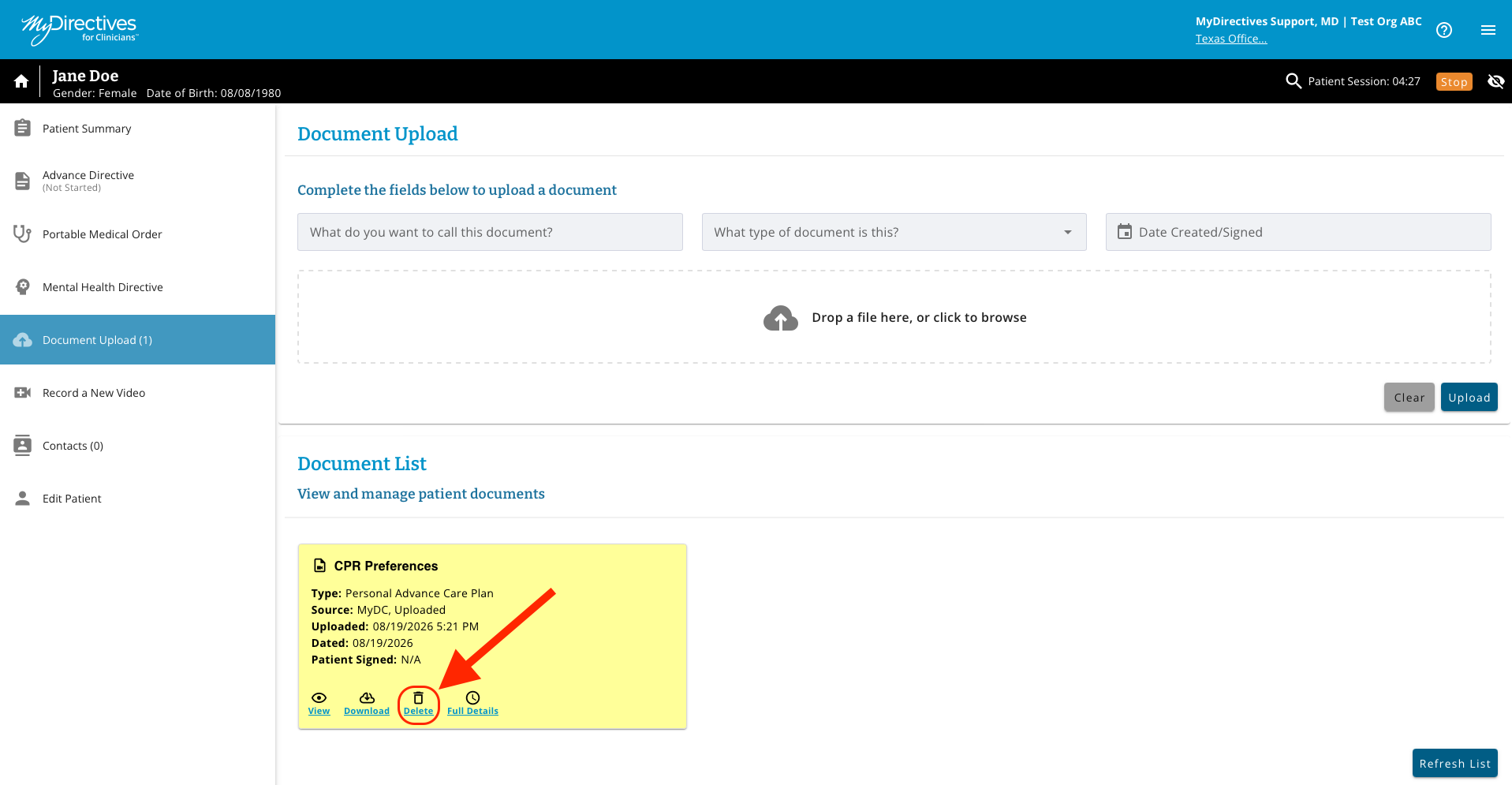
To delete a document (e.g., CRP Preferences), click the Trash Can icon on the document’s tile.
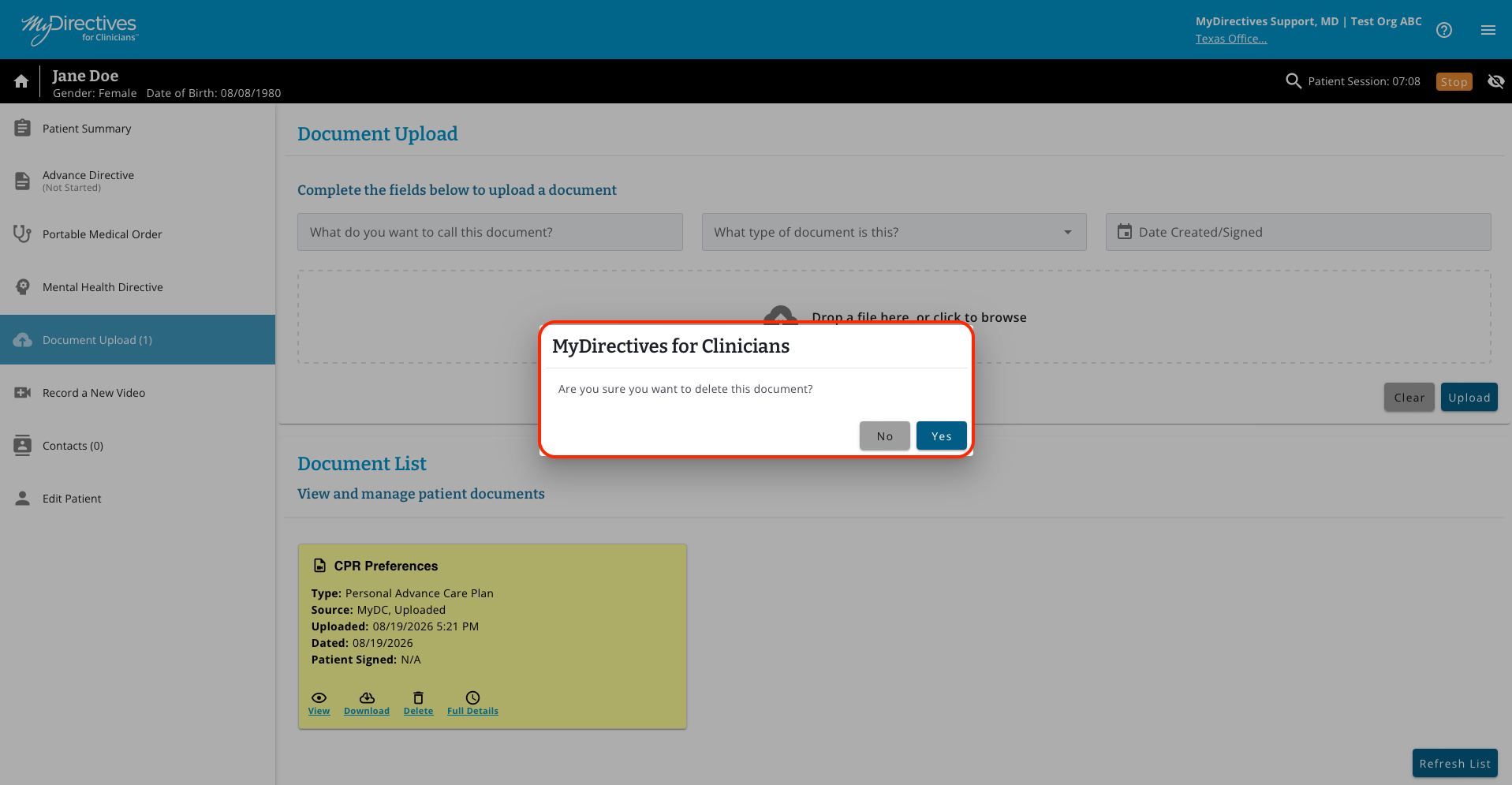
A pop up will ask if you are certain you want to delete the document. If you are, select Yes. Otherwise, select No to cancel the deletion.
Once the document has been deleted, you will see a confirmation banner at the top of your screen, and it will no longer appear as a document in the Uploaded Documents section.